

How do I add a physical Westfield Gift Card to a Digital Wallet?

.
2..
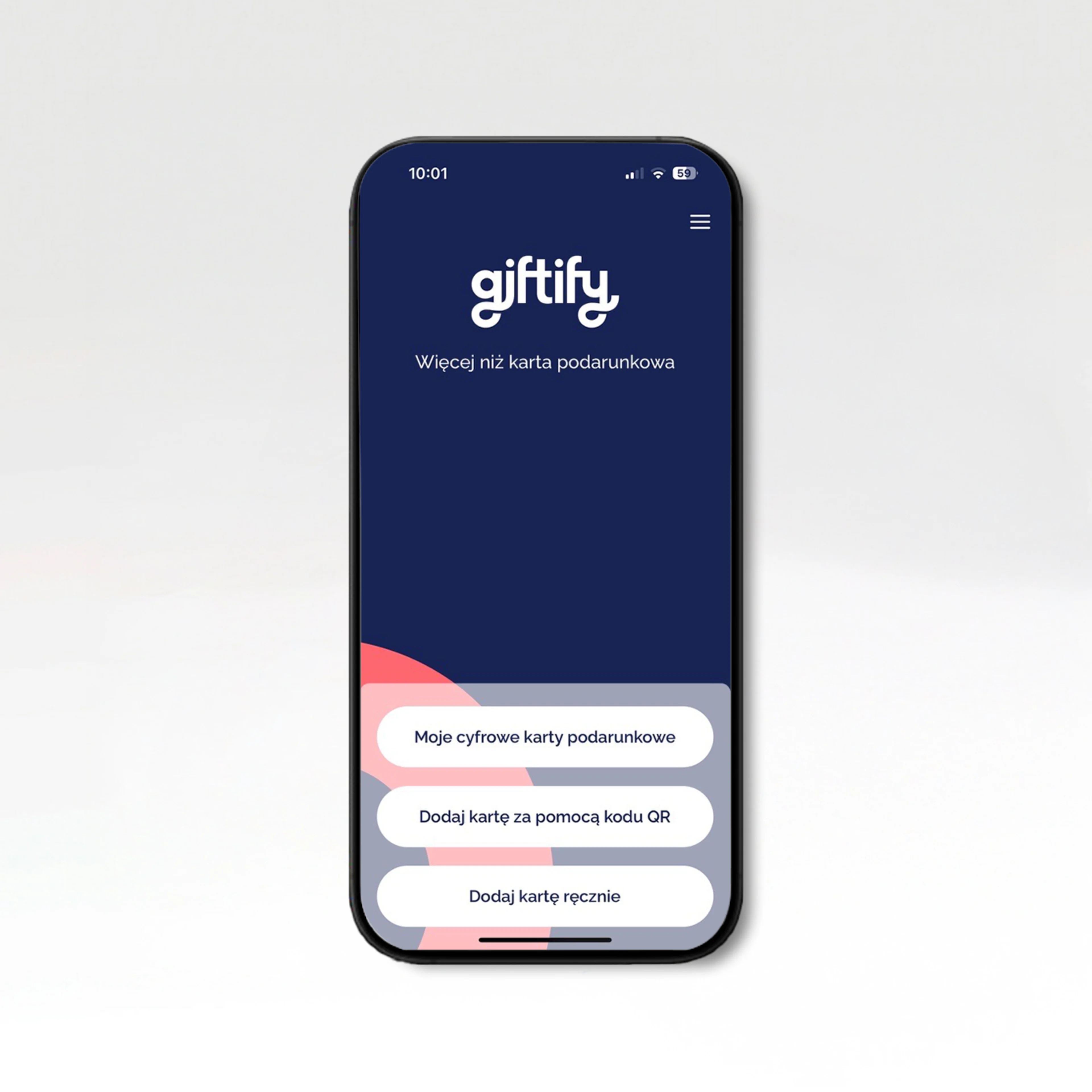
Download the Giftify app to access your card’s purchase history and balance..
.
3..
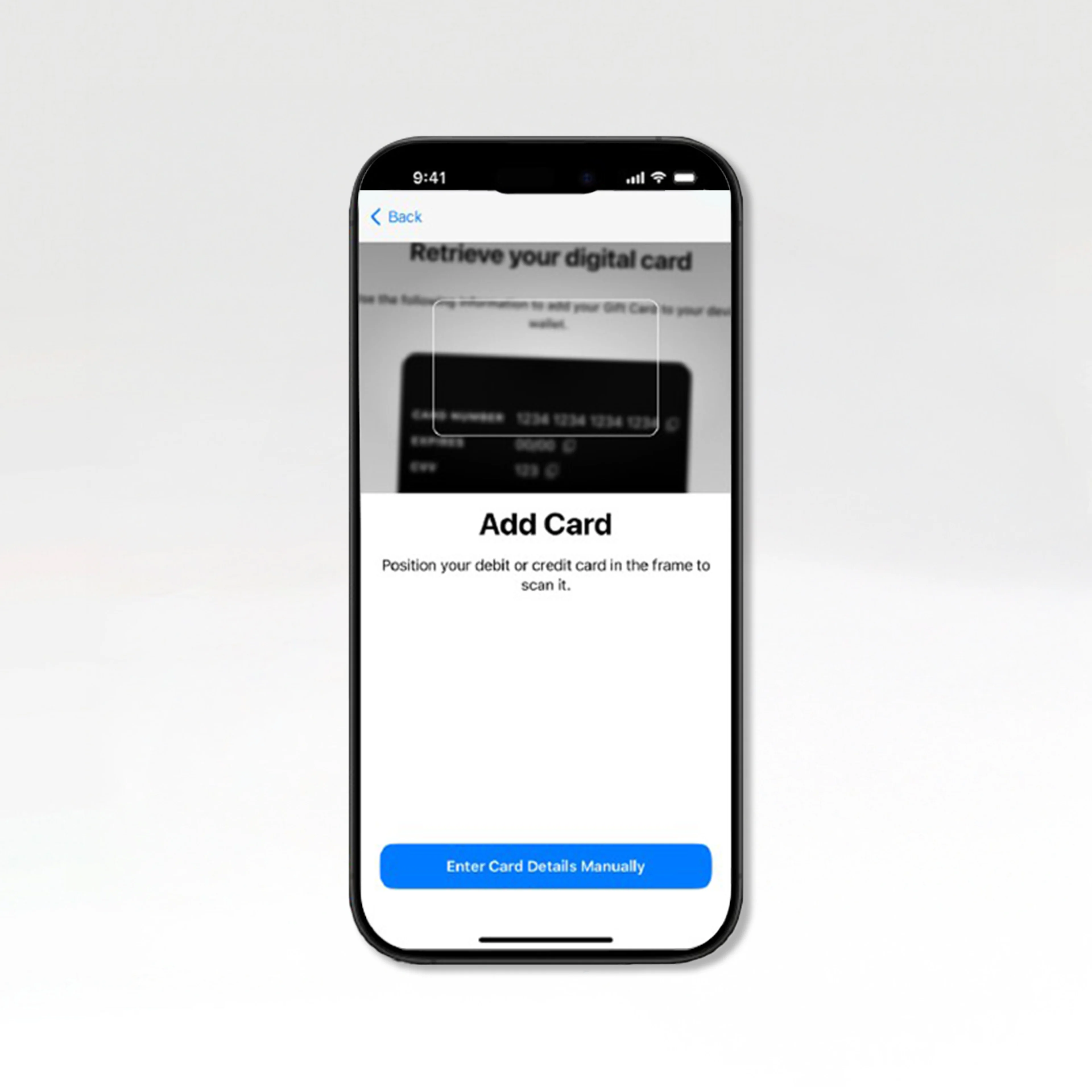
Digitize your card – scan the QR code on the back of the card..
.
4..
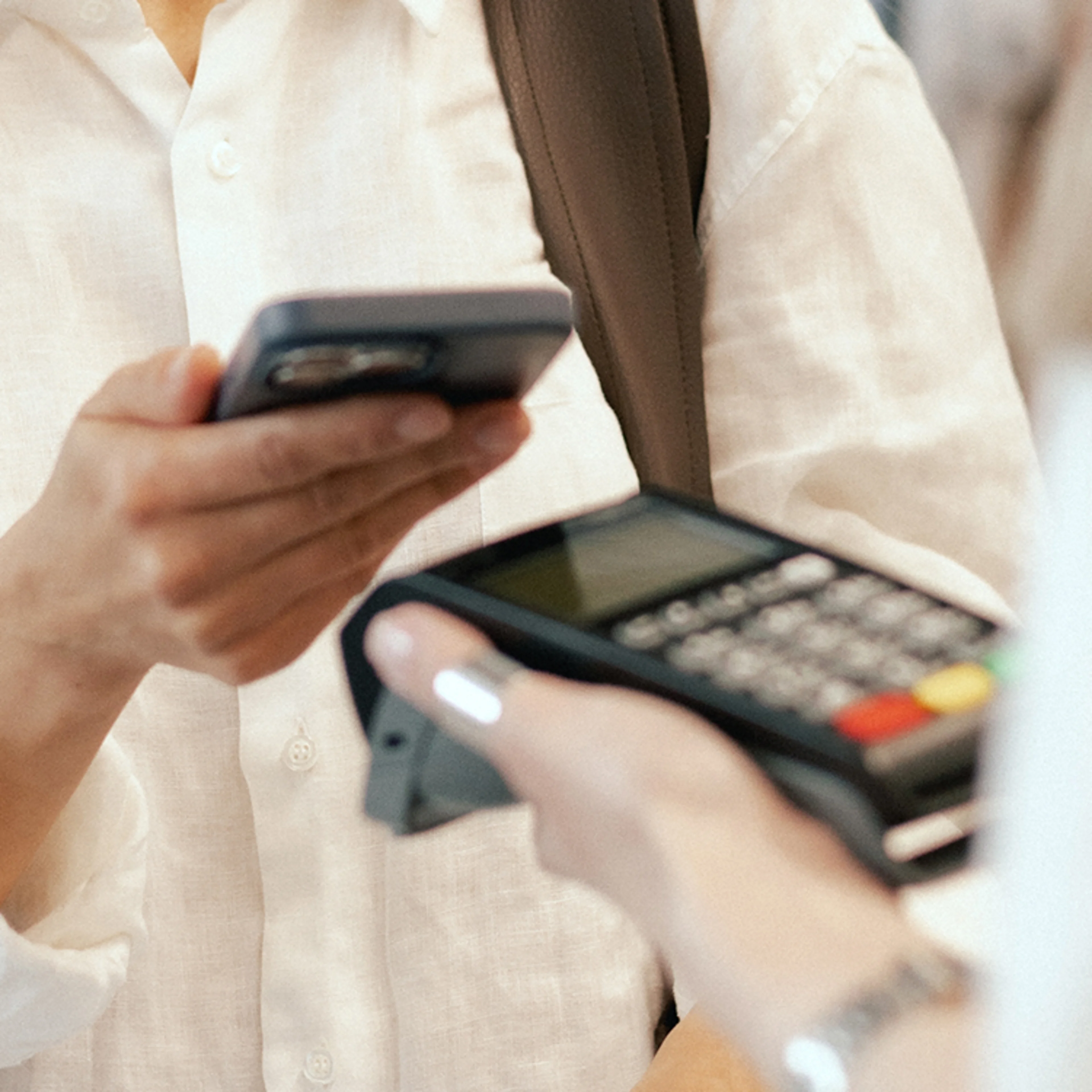
Add the card to your digital wallet and pay with your smartphone at for purchases at the shopping centre. *Note! After adding the Card to a digital wallet, the physical card will no longer work (this applies to cards purchased up to 11 January 2026);.
.
2..
Download the Giftify app to access your card’s purchase history and balance..
.
3..
Digitize your card – scan the QR code on the back of the card..
.
4..
Add the card to your digital wallet and pay with your smartphone at for purchases at the shopping centre. *Note! After adding the Card to a digital wallet, the physical card will no longer work (this applies to cards purchased up to 11 January 2026);.