

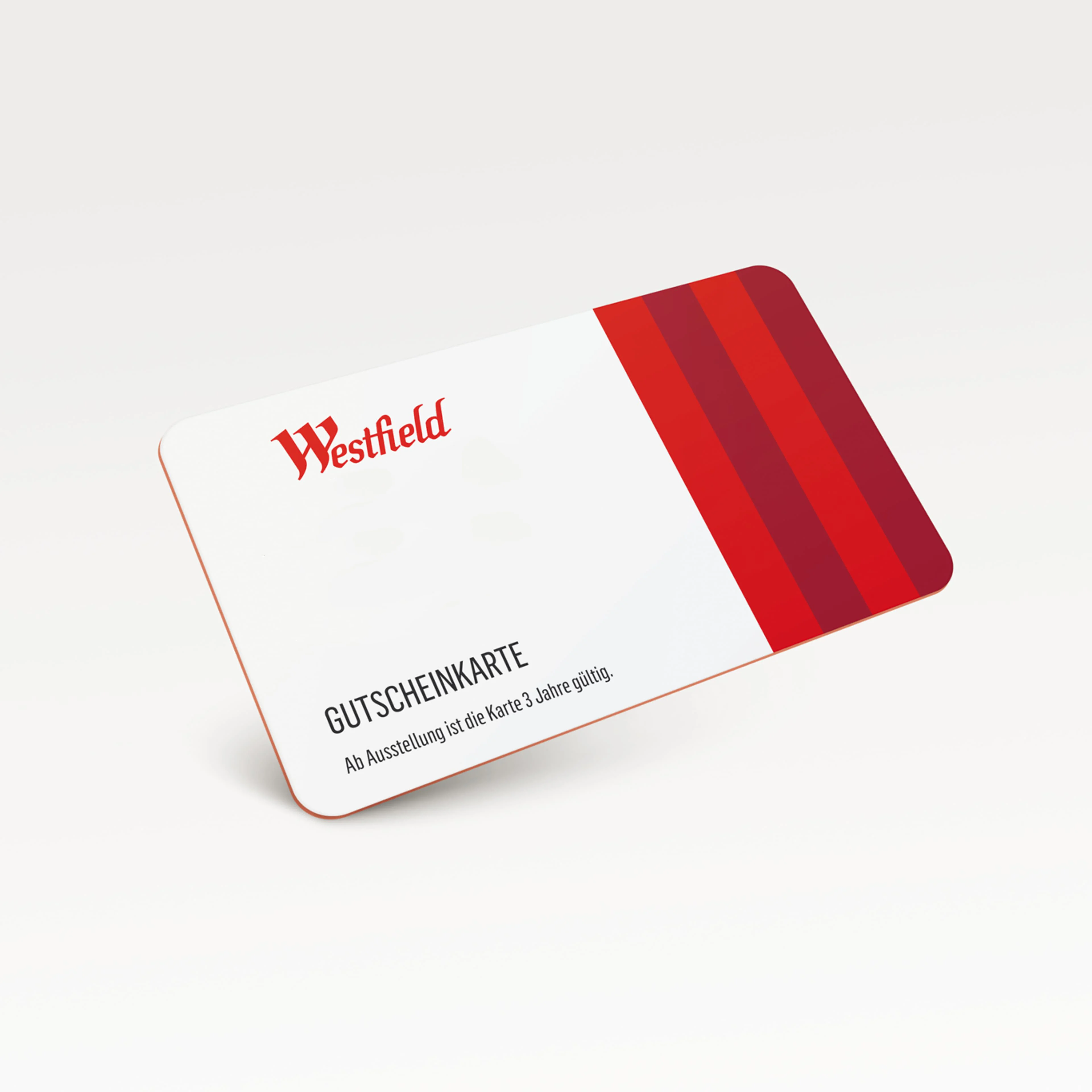
How do I add the Westfield Gift Card to a digital wallet?
.
2..
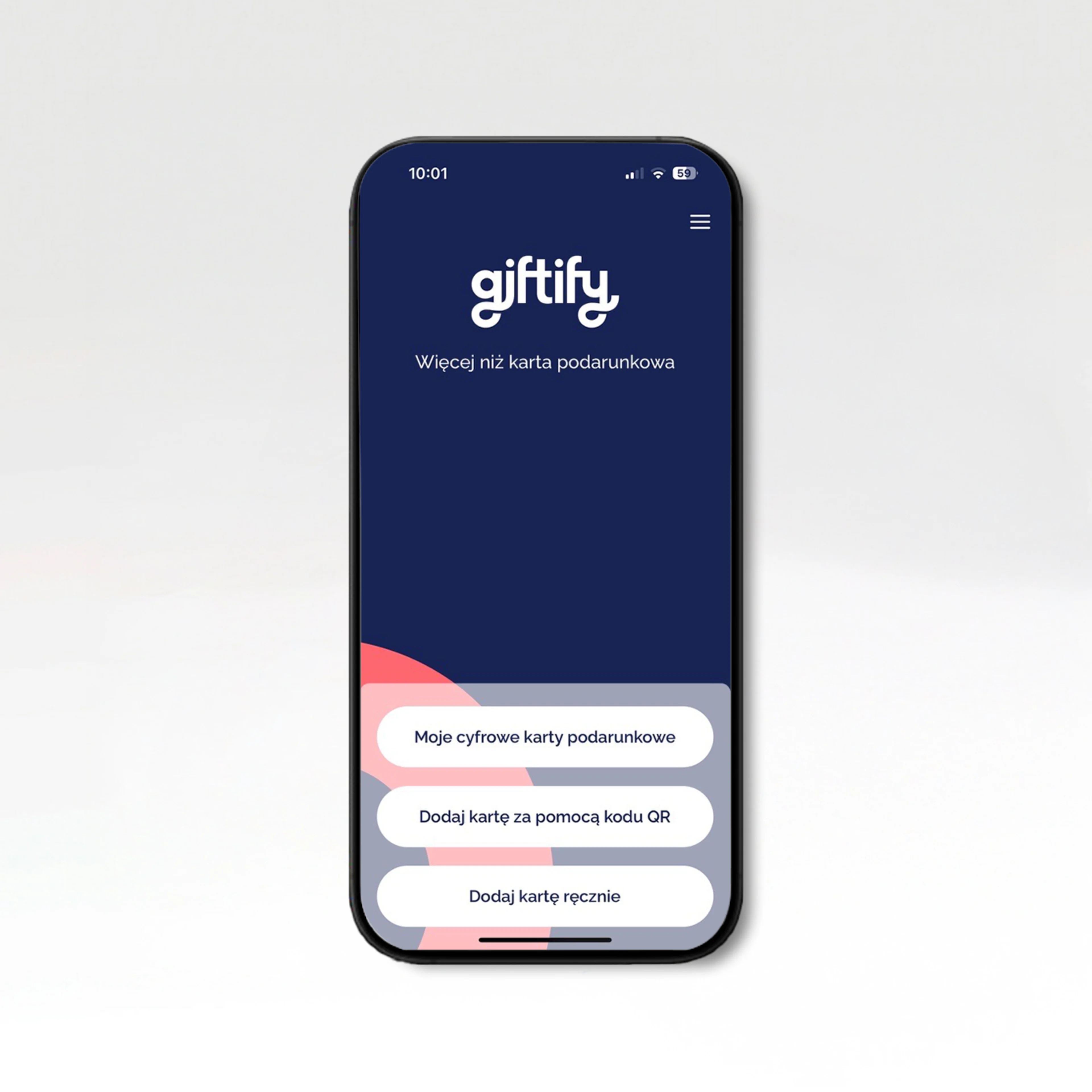
Download the Giftify app to access your card’s transaction history and balance..
.
3..
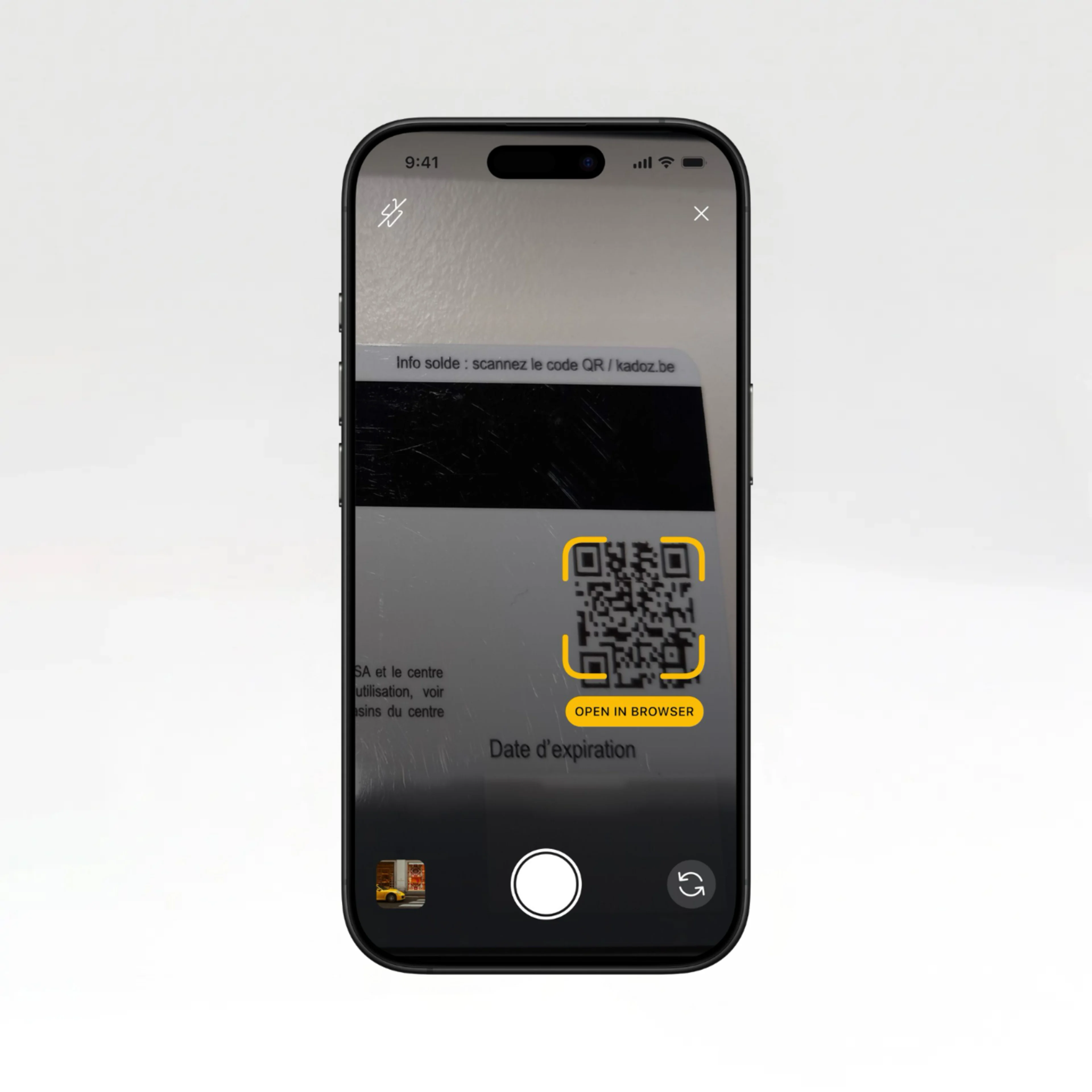
Digitise your card by scanning the QR code on the back of the card. To do this, you will need to scratch off the last 4 digits of the PAN and the PIN on the back of the card. For digital gift cards, you will receive the QR code by email..
.
4..
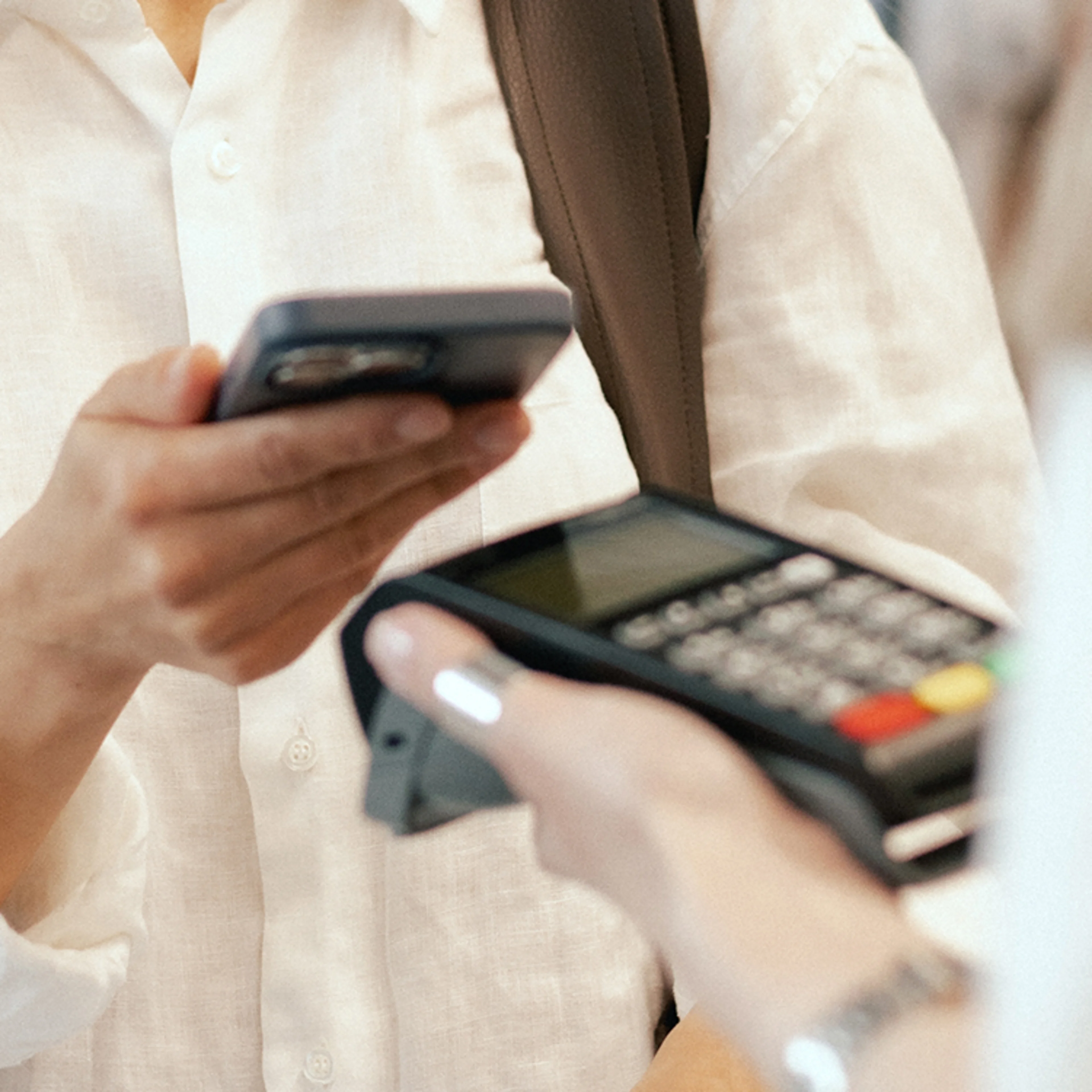
Add the card to your digital wallet and use your smartphone to pay for purchases at your shopping centre. Please note that each gift card must be added individually to the Giftify app and then to your wallet..
.
2..
Download the Giftify app to access your card’s transaction history and balance..
.
3..
Digitise your card by scanning the QR code on the back of the card. To do this, you will need to scratch off the last 4 digits of the PAN and the PIN on the back of the card. For digital gift cards, you will receive the QR code by email..
.
4..
Add the card to your digital wallet and use your smartphone to pay for purchases at your shopping centre. Please note that each gift card must be added individually to the Giftify app and then to your wallet..